Free MOV to MP3 Converter
Extract Audio Instantly in Your Browser
The fastest and most secure way to convert MOV files to MP3. Process your QuickTime screen recordings and iPhone videos locally without ever uploading them to a server. Start extracting audio now!
Upload Video and Convert to Audio Instantly
Supported Formats: MP4, MOV, AVI, WebM, FLV, MKV
Drag & drop your video here
or
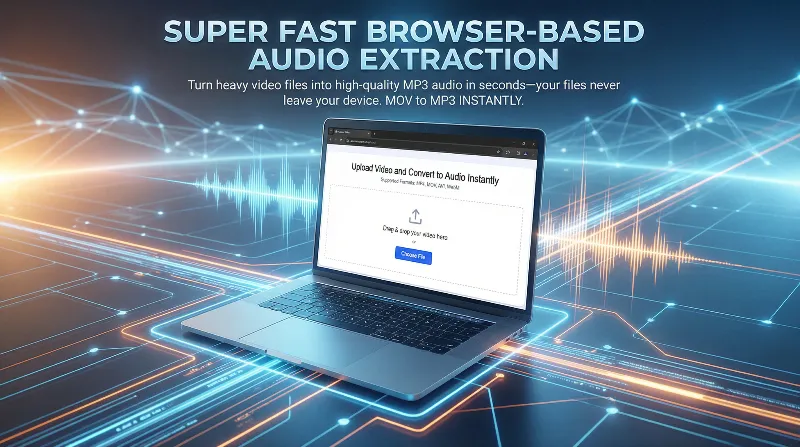
Lightning-Fast Browser-Based Audio Extraction
Turn heavy MOV video files into high-quality MP3 audio in seconds—your files never leave your device.
Key Features
Zero Server Uploads Required
Unlike traditional tools, our MOV to MP3 converter processes everything locally. Say goodbye to frustrating upload queues and download waiting times.
No Artificial Paywall Limits
Cloud tools lock you behind strict 500MB or 1GB paywalls. We don't. Since processing happens locally, you can convert massive files limited only by your browser's memory—completely free.
100% Absolute Data Privacy
Are online converters safe? With us, yes. Your personal iPhone videos and confidential screen recordings never touch an external server. Your data stays on your machine.
Instant QuickTime to MP3 Conversion
Perfect for Apple users. Extract audio from QuickTime player screen recordings instantly with zero quality loss.
Seamless iPhone Video to Audio
Easily extract sound from your iPhone's high-resolution .mov camera roll files. No extra software needed.
Free Convert MOV to MP3
No subscriptions, no hidden fees, and no "upgrade to premium" interruptions. Enjoy a completely free MOV to MP3 converter for all your needs.
High-Quality MP3 Extraction
Our advanced browser engine ensures you get clear, crisp MP3 audio files perfectly matched to your original video's sound track.
Works on Any Device and OS
Whether you are looking for a Mac OS MP3 converter, a Windows solution, or using Linux, our browser-based tool works flawlessly everywhere.
Zero Software Installation
Don't clutter your computer with heavy editing software just to rip audio. Our tool runs entirely in your favorite web browser.
Lightning Fast Processing
Because the conversion happens on your local processor instead of the cloud, extraction speed is limited only by your own device hardware, making it the fastest option available.
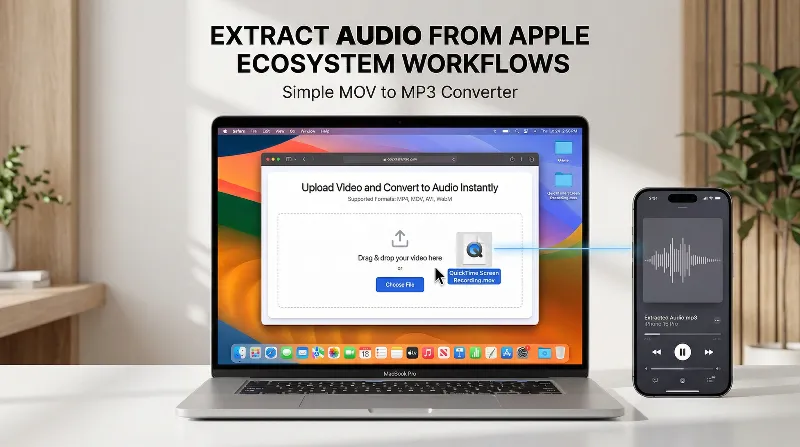
Extract Audio from Apple Ecosystem Workflows
Stop struggling with complex video editors. Our tool simplifies your daily audio extraction needs.
Convert QuickTime Screen Recordings to Audio
Did you record a presentation or lecture using QuickTime on your Mac? Simply drag and drop the .mov file into our browser tool to instantly save the spoken audio as a shareable MP3 file. No complex export settings required.
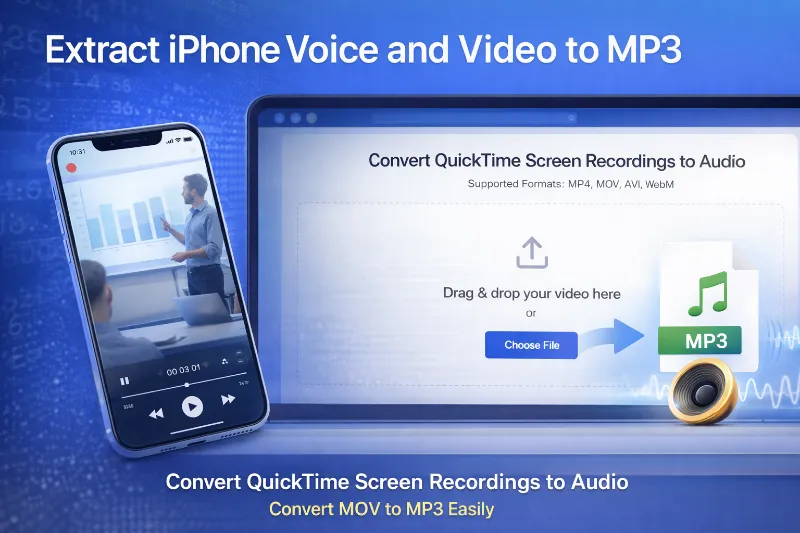
Turn Heavy iPhone Videos into MP3
Don't let giant 4K iPhone videos eat up your storage when all you need is the audio. Drop your iPhone .mov files here to strip the video track and save the pure MP3 audio locally in seconds.
Why Choose Our Browser-Based MOV to MP3 Converter?
Bypass the Cloud Limitations
Traditional cloud converters force you to upload your files, wait in line, and download them again. We skip all that. Our tool reads the file locally, saving you massive amounts of time.
The Safest Way to Convert Confidential Videos
If you're asking "is cloudconvert safe?", the only true guarantee of safety is not uploading your files at all. Our local browser architecture ensures military-grade privacy by design.
QuickTime Player to MP3 Made Simple
Apple's default apps don't make it easy to export directly to MP3. We bridge that gap, giving Mac users a seamless way to transform their native video formats into universal audio.
No More "File Too Large" Paywalls
Competitors heavily restrict free users. Because we don't pay for server bandwidth to host your files, we don't impose artificial limits. Process heavy videos up to your device's maximum RAM capacity without paying a dime.
Perfect for Podcast Creators
Recorded a video podcast on your phone or via screen recording? Quickly isolate the audio track to edit or upload to your favorite podcast hosting platforms.
No Annoying Ads or Watermarks
We provide a clean, distraction-free environment. You won't find spammy pop-ups, and we never watermark your converted audio files.
Cross-Platform Compatibility
You don't need a specific MP3 converter for Mac or Windows. If you have a modern web browser like Chrome, Safari, or Edge, you have everything you need.
Instant Playback Capability
Once the MP3 is generated, it's immediately available on your local hard drive for playback, sharing, or importing into your music library.
Eco-Friendly Conversion
By processing locally, we eliminate the immense server energy required to transfer and compute files in the cloud, reducing your digital carbon footprint.
Built for Speed and Simplicity
No complex parameters like sample rate or Qscale to confuse you. We automatically apply the best settings to extract the exact original audio quality from your MOV file.
Related Audio Extraction Tools
Understanding MOV and MP3 Formats
What is a .MOV file?
MOV is a highly popular video container format developed by Apple. It is the default format used by QuickTime Player and iPhone cameras. While it provides excellent, high-resolution video and audio quality, MOV files are typically very large and can be difficult to play on non-Apple devices without specialized software.
What is an MP3?
MP3 is the world's most universally recognized digital audio format. It uses a lossy compression algorithm to significantly reduce file size while maintaining excellent sound quality. MP3 files are incredibly lightweight, making them perfect for sharing, streaming, and storing on virtually any device or operating system.
Why convert MOV to MP3?
Most users convert MOV files to MP3 when they only need the audio portion of a video—such as a recorded lecture, a podcast interview, or a music track. Extracting the audio into an MP3 drastically reduces the file size, frees up storage space, and allows you to listen to the content on any music player without draining your battery by playing a heavy video file.
Stop Waiting on Uploads. Start Converting Locally.
Experience the ultimate privacy, honest file limits, and lightning-fast speed of browser-based conversion. Try our free MOV to MP3 tool today—no sign-up required.