Free MP4 to WAV Converter
Convert MP4 to WAV online in your browser and keep the entire workflow on your own device. This MP4 to WAV converter helps you extract audio from local video files quickly, then download a clean WAV file for editing, review, or archive work.
Upload Video and Convert to WAV Audio
Supported Formats: MP4, MOV, AVI, WebM, MKV
Drag & drop your video here
or
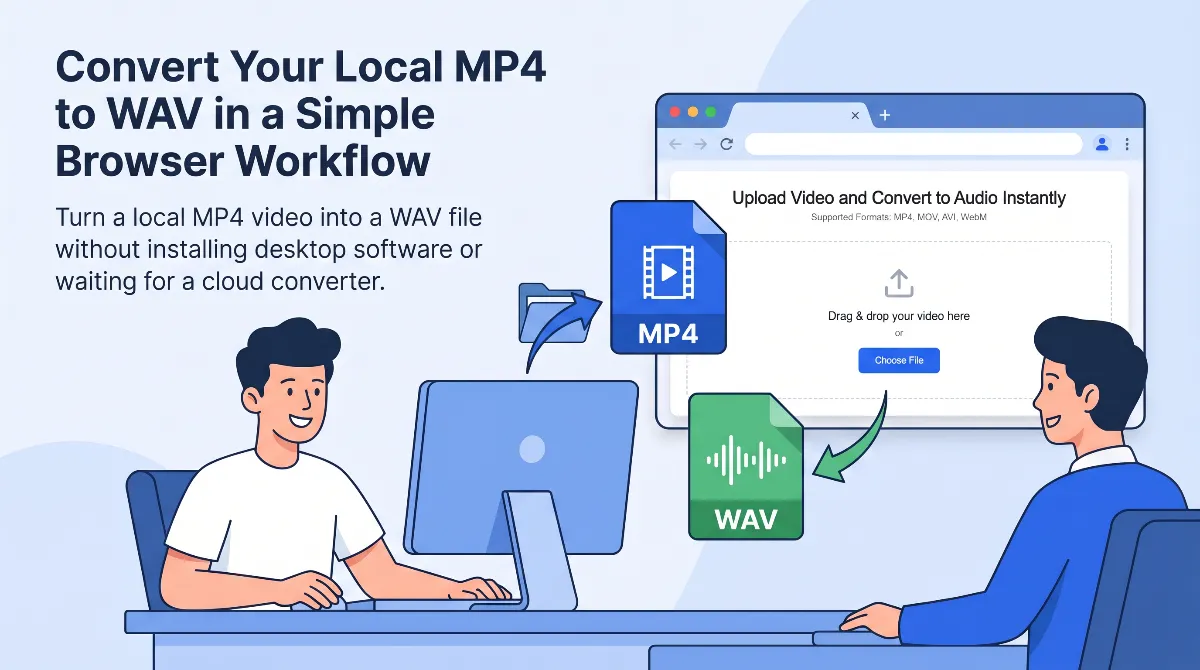
Convert Your Local MP4 to WAV in a Simple Browser Workflow
Turn a local MP4 video into a WAV file without installing desktop software or waiting for a cloud converter to finish uploading your file. The page is built for users who already have the video saved locally and only need the audio as a separate WAV file.
If you are working with interviews, lectures, rehearsal clips, meeting recordings, or camera footage, converting MP4 to WAV is a practical way to pull the sound out of the video and move it into the next step of your workflow.
Extract audio from MP4 without uploading the file
Many users want to extract audio from MP4 without sending personal recordings or work files to a remote server. This tool keeps the process inside the browser, which reduces friction and fits privacy-sensitive workflows.
Keep a WAV file for editing and archive work
WAV is useful when you want a separate audio file that is easy to import into editing, cleanup, transcription, or archive workflows. Converting MP4 to WAV does not improve the original recording by itself, but it gives you a practical working format.
Use the converter on desktop and mobile
An online MP4 to WAV converter is useful because the same workflow can work across desktop and mobile browsers. If your MP4 file is already on your device, you can convert it and save the WAV output without learning a new app.
Save time with a direct MP4 to WAV workflow
When the goal is simply to convert MP4 to WAV, you do not need a long chain of extra steps. Upload the local file, let the browser process it, and download the result.
Handle phone videos, screen recordings, and camera clips
MP4 is a common export format for phone videos, camera clips, captured meetings, and screen recordings. If the sound you need is already inside the MP4 file, exporting the audio as WAV is the fastest way to isolate it.
Choose WAV when you need a separate working audio file
Some users only need a lighter playback format, while others need an editing-friendly output. Choose WAV when you want to keep the audio as its own working file for later cleanup, review, or storage.
Editing spoken audio and interviews
If you recorded an interview, lesson, or voice-heavy clip as video, converting MP4 to WAV gives you a dedicated audio file that is easier to move into an editor.
Reviewing lectures, meetings, and rehearsals
Some users do not need the picture once the recording is done. A WAV file makes it easier to replay the sound, sort files, or pass the recording into the next review step.
Keeping an uncompressed archive copy
If you want a separate audio copy for long-term storage or later reuse, WAV is a straightforward format to keep alongside the original MP4.
Why Choose This MP4 to WAV Converter
Keep the workflow local in your browser
This MP4 to WAV converter is built for users who already have the source file on their device and want to avoid sending recordings through a remote upload queue.
Get a WAV file that fits editing and review work
When you need separate audio for trimming, cleanup, transcription, or archive review, exporting the track as WAV is a practical next step after recording in MP4.
Use one direct path from video file to audio file
The page is designed around a simple flow: choose the MP4, extract the audio, and download the WAV output without adding extra tools or account steps.
Work across common desktop and mobile scenarios
If your video file is already saved on your computer, tablet, or phone, you can use the same browser-based conversion flow without learning a separate editing app first.
How to Convert MP4 to WAV
Upload your MP4 file
Choose the MP4 video from your computer or phone and add it to the converter area.
Convert the audio track to WAV
Start the conversion and let the browser extract the audio track from the video.
Download the WAV file
Save the generated WAV file to your device and continue with editing, playback, or archive work.
Understanding MP4, WAV, and When to Choose Each
What is an MP4 file
MP4 is a multimedia container that commonly stores both video and audio together. It is one of the most common formats for exported clips from phones, cameras, screen recorders, and online workflows.
What is a WAV file
WAV is an audio format often used when you want the sound as a separate file. It is a practical choice for editing, review, and archive workflows because it is widely supported across audio tools.
Should you choose MP4 to WAV or MP4 to MP3
Choose MP4 to WAV when you want an uncompressed working file for editing or storage. Choose MP4 to MP3 when you want a smaller file for easier playback or sharing. If you need MP3 output instead, use our MP4 to MP3 page.
Related Audio Extraction Tools
More Video to MP3 Converters
More Video to WAV Converters
Frequently Asked Questions
How do I convert MP4 to WAV online?
Does converting MP4 to WAV improve audio quality?
Can I extract audio from MP4 without uploading the file?
Is MP4 to wave the same as MP4 to WAV?
Why is a WAV file larger than the original MP4 audio track?
Can I use this MP4 to WAV converter on phone and desktop?
Is this MP4 to WAV converter safe for confidential recordings?
What's the maximum file size I can convert?
Does the WAV output keep the original sample rate and bit depth?
Convert Your MP4 to WAV Now
Extract audio from your local MP4 file, save it as WAV, and continue your workflow without installing desktop software or sending the file to a server.